Creating insights
Last updated: July 23, 2026
The Contented desktop app is for recording conversations. To turn those recordings into documents, meeting summaries, action items, coaching insights, and other outputs, you need to use the web version of Contented, AKA your workspace.
There are two ways to access insights:
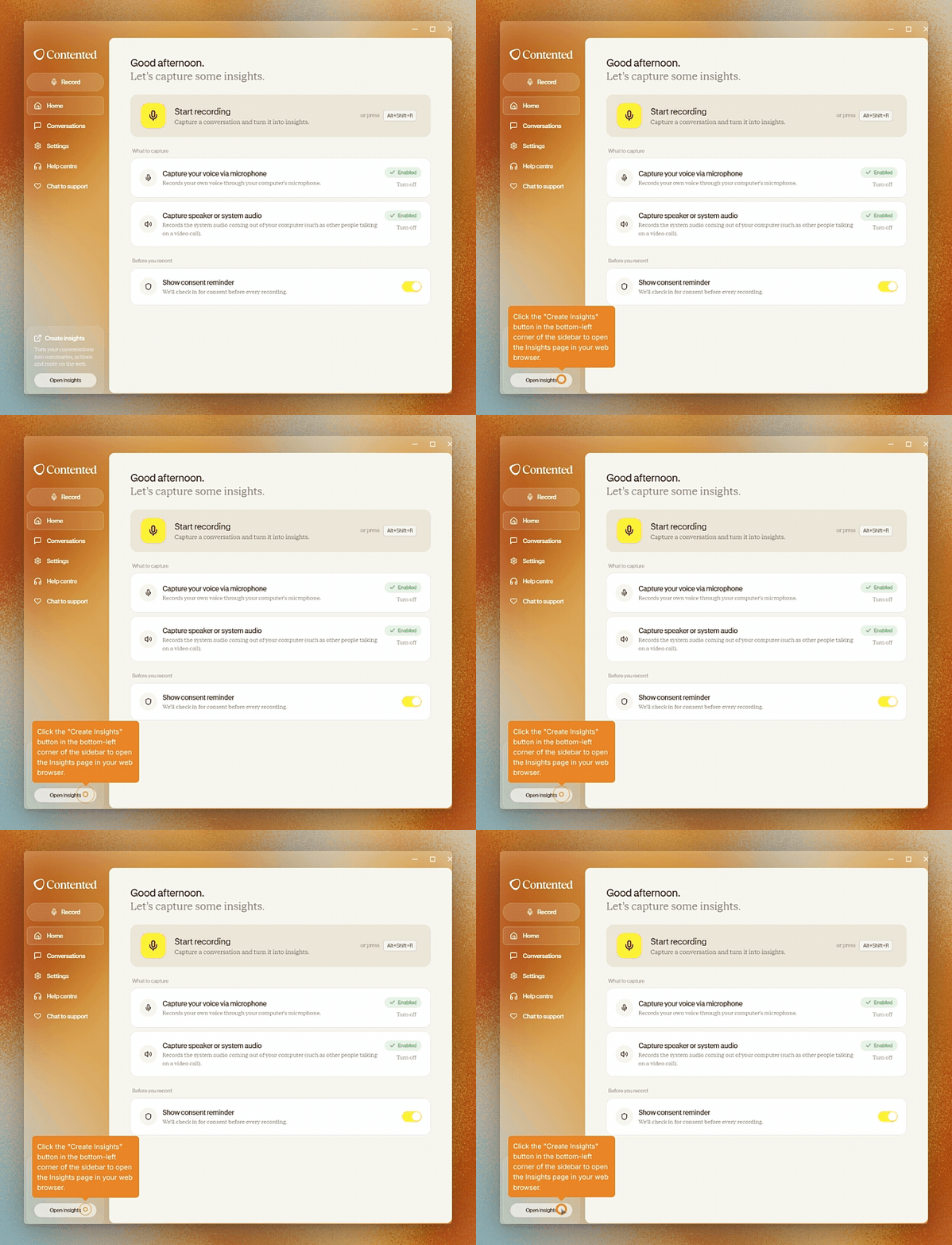
From the desktop app: Click Create insights in the bottom-left corner of the sidebar. This will open the insights page in your workspace.
From your browser: Sign in to Contented and select the conversation you'd like to generate insights for.
Once you're in the workspace, you can:
Create action items, emails, a risk register, meeting minutes, and dozens of other types of templated documents.
View and edit your transcripts.
Re-run insights using different templates if needed.
Share or download what you create.